

Home 9 Latest News 9 Are your employees your security’s weakest link?

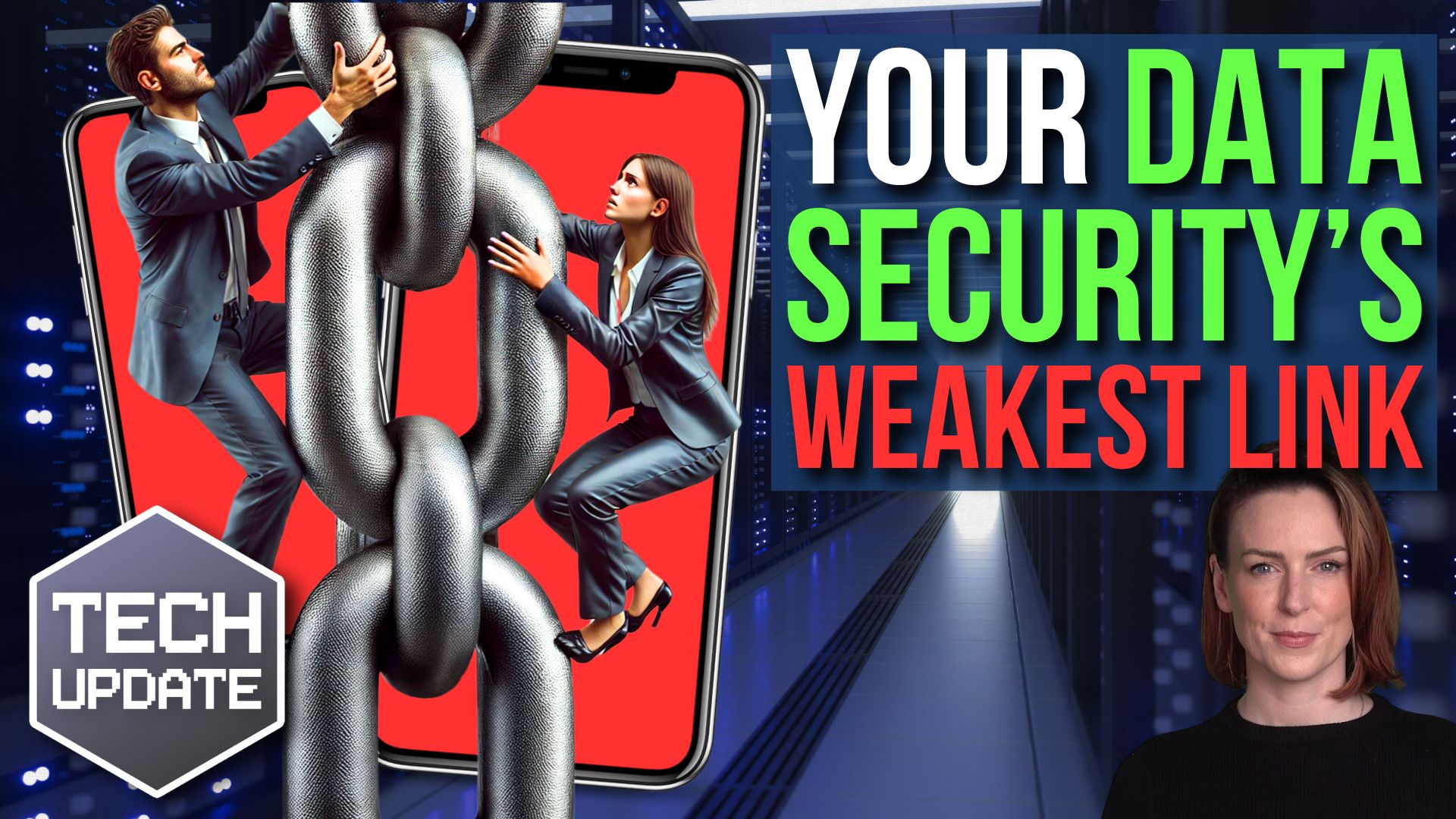
Are your employees your security’s weakest link?

Let me ask you something: Do you lock your front door when you leave the house?

Of course you do.

But what if you get home and find that someone left a window open? You may as well have left the door unlocked, right?

Now think about your business.

You’ve probably invested in good cyber security to protect it, using strong passwords, firewalls, and the latest software updates. But if your employees accidentally leave the “windows” open, all that security goes to waste.

It’s not about blame – it’s about awareness. The truth is that your employees might be your biggest security risk, without them even realising it.

More people are working remotely, and research shows that four out of five employees use their personal phones, tablets, or laptops for work. It makes sense. Why not use the devices they already own?

Here’s the problem: Your employees’ personal devices probably aren’t set up with the same security measures you’d use in the office. Their phones and laptops might use weak passwords, outdated software, or even be connected to unprotected Wi-Fi networks. All of this is a dream scenario for hackers.

And here’s where it gets scary…

Two out of five employees admit to downloading customer data onto their own devices. That’s sensitive data leaving the safety of your business, now at risk of falling into the wrong hands.

If that’s not enough to worry you, here’s another shocker: More than 65% of employees admit they only follow cyber security rules “sometimes” or even “never”. This includes forwarding work emails to their personal accounts, using their phones as Wi-Fi hotspots, or ignoring guidelines about handling data when using AI tools.

Passwords are another issue, with nearly half of employees using the same passwords across different work accounts. Even worse, over a third of employees use the same passwords for both their work AND personal accounts.

Imagine a hacker getting into your employee’s social media account and using the same password to get into your business systems? It’s a disaster waiting to happen.

So, what can you do?

The key is education.

Start by helping your team understand why cyber security is so important. Most people don’t break the rules on purpose – they just don’t realise the risks. Explain that those little habits that seem harmless (like reusing passwords or doing work on public Wi-Fi) can cause serious damage.

Create security rules that are clear, simple, and easy to follow. For example, you can tell your team to:

  • Use a password manager to create a strong, random and unique password for each of their work accounts
  • Only access work systems on secure, approved devices
  • Never forward work emails to their personal accounts

Also, make sure your employees are getting regular training sessions to keep cyber security at the front of their minds, and don’t forget to celebrate good habits. If someone flags a suspicious email or comes up with a clever way to keep sensitive data safe, be sure to let everyone else on your team know.

Cyber security is everyone’s responsibility.

By giving your employees the right tools and training, you can turn them into your first line of defence instead of your weakest link.

If you’d like help keeping your team up to date on the latest security threats, get in touch.

Recent Posts

Cyber Security Is Not Your Job. Understanding Business Risk Is.

Cyber Security Is Not Your Job. Understanding Business Risk Is.

Many business owners switch off the moment cyber security enters the conversation. They picture firewalls, software updates, security alerts and technical jargon. It feels like something that belongs firmly in the hands of IT professionals. The reality is very...

Cyber Confidence Guide and checklist.

Cyber Confidence Guide and checklist.

Welcome to the Cyber Confidence Guide Cyber security is no longer just an IT concern. It is a business priority. Whether your organisation has five employees or five hundred, protecting your systems, data and people is essential to maintaining trust, productivity and...

The 30-Minute IT Health Check Every Small Business Should Do

The 30-Minute IT Health Check Every Small Business Should Do

The 30-Minute IT Health Check Every Small Business Should Do Monthly Most IT problems don't appear out of nowhere. Backups quietly stop running, updates sit unfinished for weeks and old staff accounts stay active long after someone has left the business. A simple...

What Are Passkeys, and Should Your Business Use Them?

What Are Passkeys, and Should Your Business Use Them?

Cybersecurity made simple Passkeys: The Safer, Simpler Way to Sign In Without Passwords Passwords have been causing businesses problems for years. They get reused, forgotten, guessed, leaked, written down, shared, and typed into fake login pages by mistake. Passkeys...

How are cyber attacks effecting your insurance?

How are cyber attacks effecting your insurance?

Cyber Insurance Renewal: What’s Changed and How to Avoid Claim Denial If your cyber insurance renewal feels harder this year, you’re not alone. Right now, many businesses are facing longer forms, tougher questions, and more pressure to prove their security. As a...

Could Someone Send Emails Pretending To Be Your Business

Could Someone Send Emails Pretending To Be Your Business

Cyber Security Guide Could Someone Send Emails Pretending To Be Your Business? Email spoofing is one of the simplest ways scammers can damage trust in your business. The good news is that three DNS records — SPF, DKIM and DMARC — can make it much harder for criminals...

Continuous Digital Transformation Partnerships

Continuous Digital Transformation Partnerships

Continuous Digital Transformation Partnerships Why outsourcing is no longer about handing work off, but moving forward together For many organisations, change never really stops. You upgrade one system, and another starts to fall behind. You move to the cloud, and...

5 Microsoft 365 Settings You Should Check Today

5 Microsoft 365 Settings You Should Check Today

5 Microsoft 365 Settings You Should Check Today (Especially if Your Setup Is a Few Years Old) If your Microsoft 365 system was set up a few years ago, there’s a good chance it’s not as secure as you think. Microsoft has improved security defaults over time. But those...

Could a Cyber Criminal Send Emails Pretending to Be You?

Could a Cyber Criminal Send Emails Pretending to Be You?

Could a Cyber Criminal Send Emails Pretending to Be Your Company Today? Imagine one of your customers receives an email from what appears to be your accounts department. The branding looks correct. The signature looks genuine. The email address seems legitimate. The...







