

Home 9 Latest News 9 Microsoft’s fixing this annoying Windows 11 fault

Microsoft’s fixing this annoying Windows 11 fault

Windows 11 has brought some great features to the table for businesses. And Microsoft’s working to make it even better.

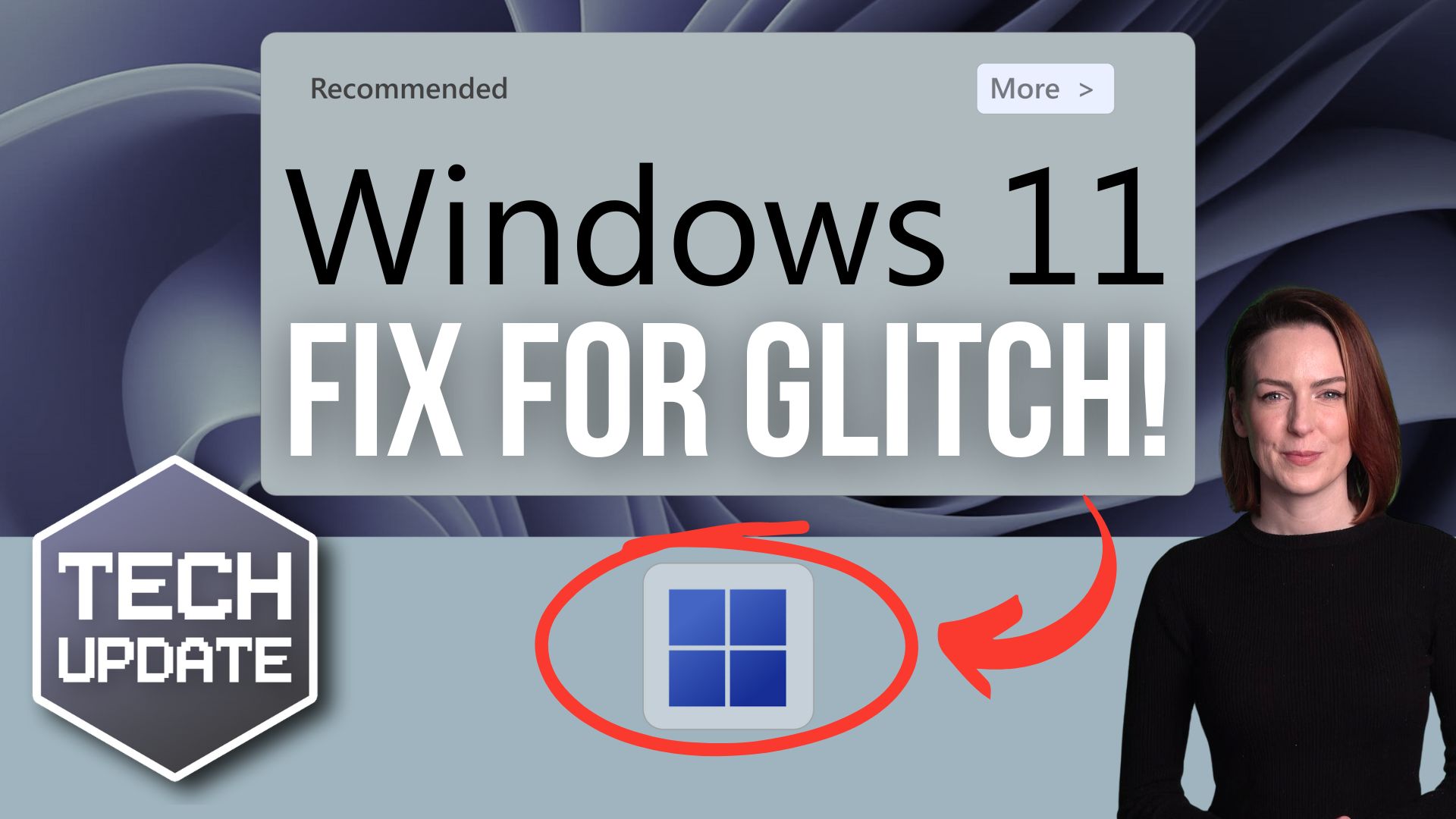
One thing I know many of us struggle with is the Recommendations feature in the Start menu. If you’ve ever clicked on it expecting to see something helpful, only to find suggestions that don’t make sense, you’re not alone. The good news is a fix is on the way.

First, let’s break down what the Recommendations feature is meant to do.

Essentially, it’s supposed to show you apps, files, or websites that Windows thinks you’ll want to open next, based on what you’ve used before. For example, any apps or websites you use regularly are supposed to pop up in your Recommendations for easy access.

Sounds useful, right? If it worked well, it could become a favourite time-saving feature for busy teams. But with suggestions often feeling random and unhelpful, many of us have been ignoring this part of the Start menu altogether.

So, what’s changing?

Microsoft’s started rolling out updates (currently in testing) to make Recommendations a lot smarter.

They’ve fine-tuned the way Windows understands what’s relevant to you. And early feedback suggests the updated feature is much better at showing things you actually need – like that file you were working on yesterday, or the app you use most during work hours.

If you’ve been frustrated by the Start menu in the past, keep an eye out for these improvements. They’re a step in the right direction.

Are you and your team taking advantage of all the other productivity-boosting features in Windows 11? If not, let us help you get started. Get in touch.


Recent Posts

Cyber Security Is Not Your Job. Understanding Business Risk Is.

Cyber Security Is Not Your Job. Understanding Business Risk Is.

Many business owners switch off the moment cyber security enters the conversation. They picture firewalls, software updates, security alerts and technical jargon. It feels like something that belongs firmly in the hands of IT professionals. The reality is very...

Cyber Confidence Guide and checklist.

Cyber Confidence Guide and checklist.

Welcome to the Cyber Confidence Guide Cyber security is no longer just an IT concern. It is a business priority. Whether your organisation has five employees or five hundred, protecting your systems, data and people is essential to maintaining trust, productivity and...

The 30-Minute IT Health Check Every Small Business Should Do

The 30-Minute IT Health Check Every Small Business Should Do

The 30-Minute IT Health Check Every Small Business Should Do Monthly Most IT problems don't appear out of nowhere. Backups quietly stop running, updates sit unfinished for weeks and old staff accounts stay active long after someone has left the business. A simple...

What Are Passkeys, and Should Your Business Use Them?

What Are Passkeys, and Should Your Business Use Them?

Cybersecurity made simple Passkeys: The Safer, Simpler Way to Sign In Without Passwords Passwords have been causing businesses problems for years. They get reused, forgotten, guessed, leaked, written down, shared, and typed into fake login pages by mistake. Passkeys...

How are cyber attacks effecting your insurance?

How are cyber attacks effecting your insurance?

Cyber Insurance Renewal: What’s Changed and How to Avoid Claim Denial If your cyber insurance renewal feels harder this year, you’re not alone. Right now, many businesses are facing longer forms, tougher questions, and more pressure to prove their security. As a...

Could Someone Send Emails Pretending To Be Your Business

Could Someone Send Emails Pretending To Be Your Business

Cyber Security Guide Could Someone Send Emails Pretending To Be Your Business? Email spoofing is one of the simplest ways scammers can damage trust in your business. The good news is that three DNS records — SPF, DKIM and DMARC — can make it much harder for criminals...

Continuous Digital Transformation Partnerships

Continuous Digital Transformation Partnerships

Continuous Digital Transformation Partnerships Why outsourcing is no longer about handing work off, but moving forward together For many organisations, change never really stops. You upgrade one system, and another starts to fall behind. You move to the cloud, and...

5 Microsoft 365 Settings You Should Check Today

5 Microsoft 365 Settings You Should Check Today

5 Microsoft 365 Settings You Should Check Today (Especially if Your Setup Is a Few Years Old) If your Microsoft 365 system was set up a few years ago, there’s a good chance it’s not as secure as you think. Microsoft has improved security defaults over time. But those...

Could a Cyber Criminal Send Emails Pretending to Be You?

Could a Cyber Criminal Send Emails Pretending to Be You?

Could a Cyber Criminal Send Emails Pretending to Be Your Company Today? Imagine one of your customers receives an email from what appears to be your accounts department. The branding looks correct. The signature looks genuine. The email address seems legitimate. The...






