

Home 9 Latest News 9 Exciting new formatting tools for Notepad

Exciting new formatting tools for Notepad

When was the last time you opened Notepad and thought, “I wish I could make this text bold or add a heading”?

Probably never, right?

But Microsoft is quietly giving Notepad a little upgrade that could make a surprising difference. Especially for those of us who use it to jot down quick notes, meeting minutes, or even team checklists.

Notepad has always been the simplest of simple tools. It opens instantly, saves fast, and doesn’t get in your way. That’s exactly why so many people love it.

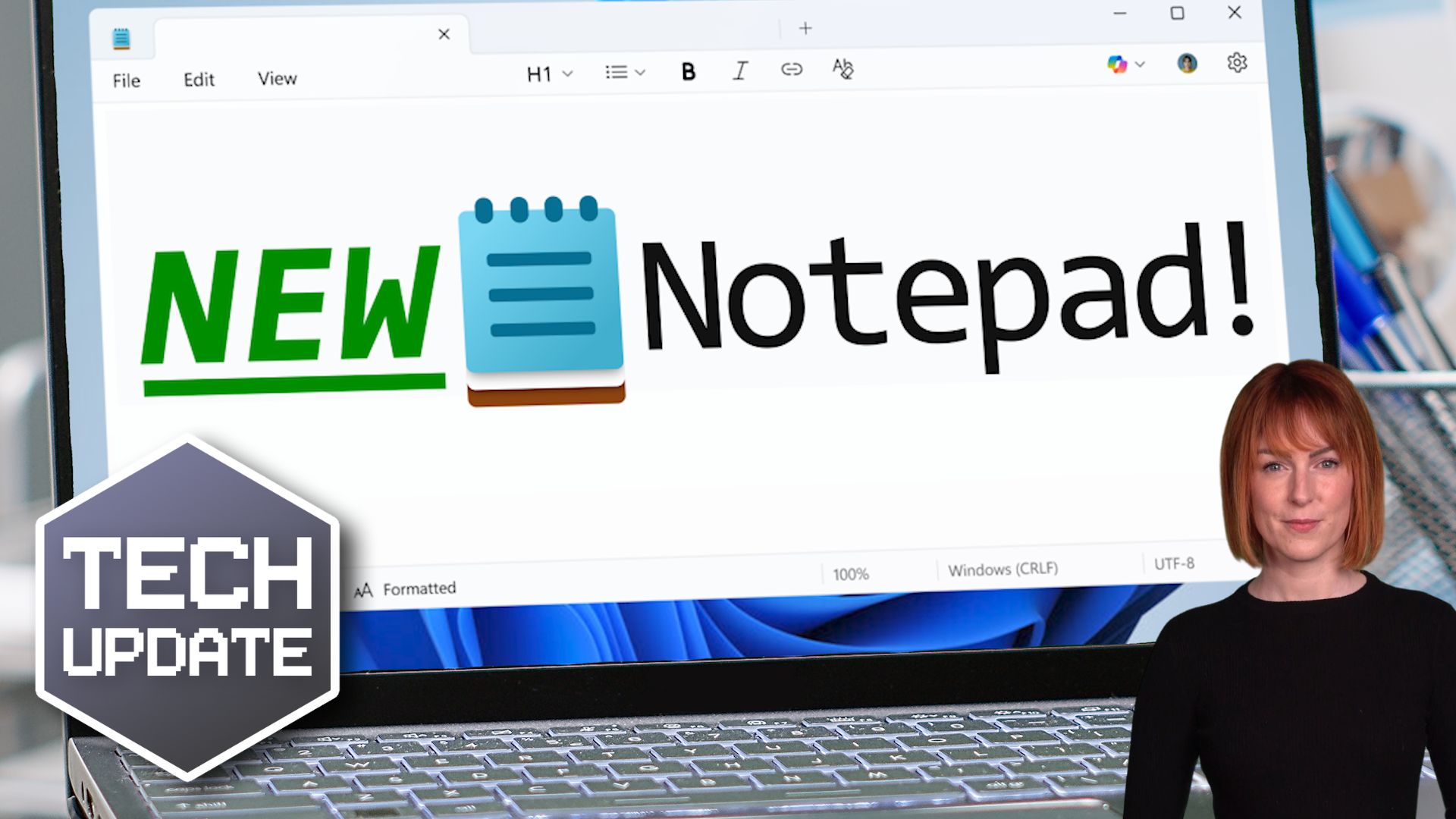
Now, Microsoft is testing a light touch of formatting features. Things like bold and italic text, hyperlinks, headings, and even basic bullet points.

The idea is to give us just enough control to make our notes clearer, without turning Notepad into a full-blown word processor.

The formatting is based on something called markdown. That’s a widely used, no-fuss way to add structure to plain text using simple symbols. For example, putting a couple of asterisks around a word makes it bold.

It’s neat, clean, and doesn’t add any of the heaviness you’d associate with Word or other big editing tools. And if formatting isn’t your thing? No problem. It can be turned off completely.

Some people worry that adding features like this risks bloating the app and making it slower. But in this case, the changes are minimal and optional. It’s more like giving your notebook a nicer pen. Not turning it into a printing press.

And with WordPad now officially retired, there’s definitely a gap for a tool that sits somewhere between “plain text” and “full document.”

For businesses, especially smaller ones without complex systems for documentation, this could be a handy middle ground. Being able to better structure your notes can save time and make your messages clearer.

It’s not flashy, but it’s thoughtful.

And it’s another small sign that Microsoft is modernising even the most basic tools in Windows 11 without losing what made them useful in the first place.

Keep an eye out for the update if you’re using Windows 11. And maybe give those bold headings a try next time you’re scribbling a to-do list.  

Recent Posts

Could a Cyber Criminal Send Emails Pretending to Be You?

Could a Cyber Criminal Send Emails Pretending to Be You?

Could a Cyber Criminal Send Emails Pretending to Be Your Company Today? Imagine one of your customers receives an email from what appears to be your accounts department. The branding looks correct. The signature looks genuine. The email address seems legitimate. The...

How Outsourcing Is Driving Innovation in UK Businesses

How Outsourcing Is Driving Innovation in UK Businesses

Beyond Cost Savings: Outsourcing for Innovation Why UK businesses are turning IT partners into growth drivers The problem For a long time, outsourcing was just about saving money. You handed over IT tasks, reduced costs, and kept things running. But today, that...

How secure is your backup solution?

How secure is your backup solution?

Immutable Backups: The Cyber Insurance Question That Catches Businesses Out Immutable backups are now one of the most important parts of cyber insurance and ransomware protection. However, many businesses are not sure what they are or whether they already have them in...

What to do in case of a cyber attack

What to do in case of a cyber attack

Cyberattack? Here's Exactly What Your Business Should Do in the First Hour It's 2pm on a normal Monday. Your team are busy working, emails are flowing, and everything seems normal. Then suddenly something isn't right. Files won't open. Systems are running strangely. A...

Small businesses are still targets of cyber attacks.

Small businesses are still targets of cyber attacks.

A ransomware attack on a small business does not happen overnight. Instead, it builds step by step, often starting with simple mistakes that go unnoticed. In fact, many attacks succeed because of small gaps rather than complex hacking. So in this guide, we will walk...

Microsoft 365 Copilot: Why Permissions Matter More Than You Think

Microsoft 365 Copilot: Why Permissions Matter More Than You Think

Microsoft 365 Copilot: Why Permissions Matter More Than You Think If you’re thinking about using Microsoft 365 Copilot, you’re probably excited about what it can do. But here’s the reality most businesses miss. Copilot doesn’t create new risk. It exposes what’s...

Plan for offboarding from day one.

Plan for offboarding from day one.

Offboarding problems don’t start when someone leaves. They start on day one   When someone leaves your business, things can feel rushed and messy. You’re chasing logins, tracking down devices, and trying to work out what they had access to. However, most of these...

Managing the cloud sprawl.

Managing the cloud sprawl.

Cloud Sprawl Management Take control of your cloud, reduce stress, and let your business grow without the chaos. Cloud sprawl management is now one of the biggest challenges facing growing businesses. While cloud systems help you move faster, they can also create...

FortiBleed – Cyber Attack News

FortiBleed – Cyber Attack News

FortiBleed: Why This Cyber Attack Is Different And What You Need To Do Now The problem There’s a new cyber threat making headlines and it’s not what most people expect. FortiBleed is a global campaign targeting Fortinet firewalls and VPN systems. These are the tools...

UK’s Tech Talent Crunch.

UK’s Tech Talent Crunch.

UK Tech Talent Shortage Solutions Why hiring is harder than ever and what you can do about it If you’re struggling to hire IT staff, you’re not alone. Many businesses across the UK are facing the same challenge. UK tech talent shortage solutions are now essential for...







