


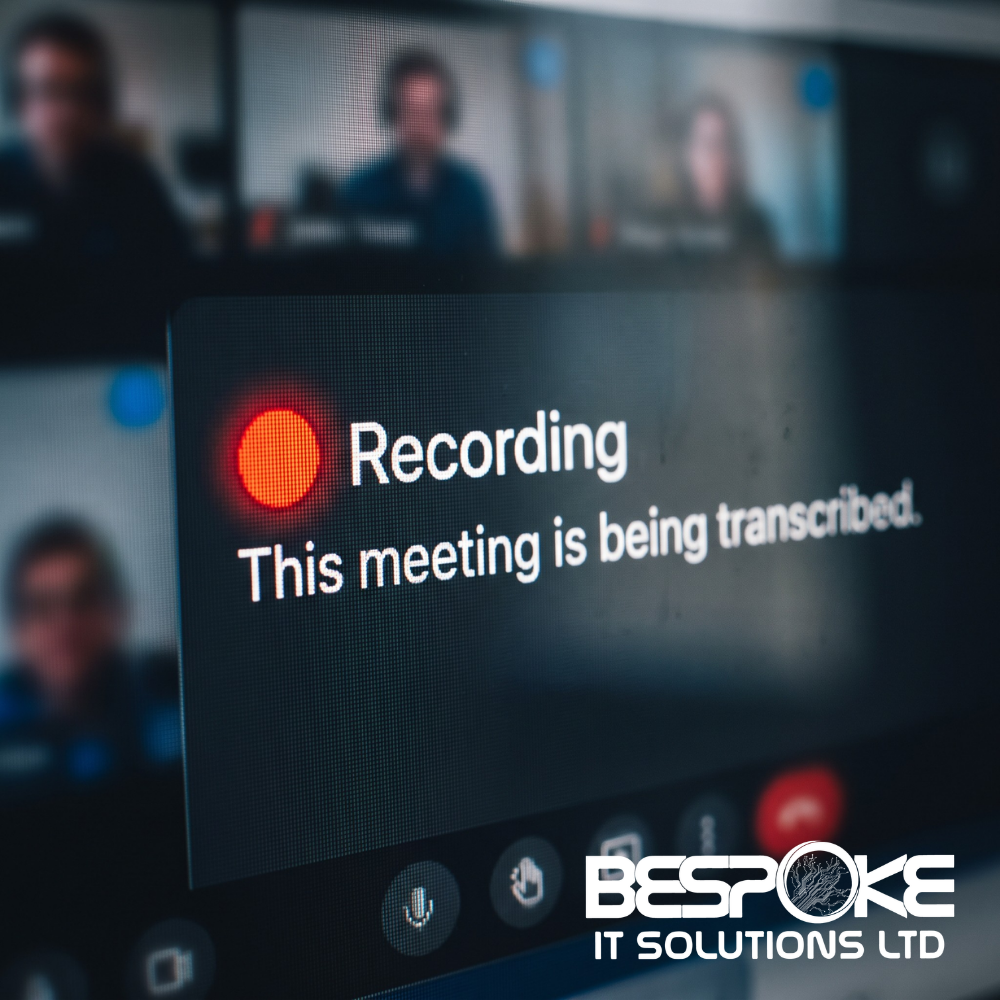
AI Note Takers in Meetings: Who Can See Your Recordings?
AI note takers in meetings have quickly become one of the most popular workplace tools. From Microsoft Teams and Zoom to Google Meet, businesses are using AI-powered assistants to record conversations, create transcripts, capture action points, and generate meeting summaries automatically.
While these tools can save hours of administration every week, many organisations don’t realise what happens to the recording once the meeting ends. Who can access it? Where is it stored? Could it be used to train artificial intelligence systems? And are you meeting your legal obligations around privacy and consent?
At Bespoke IT Solutions, we help organisations adopt new technology safely and effectively. Before introducing AI tools into your business, it’s important to understand exactly where your meeting data goes and who can see it.

What Are AI Note Takers in Meetings?
AI note takers in meetings are software tools that automatically record conversations, generate transcripts, produce meeting summaries, and identify action items.
Popular examples include Microsoft 365 Copilot, Ottertarget=”_blank” rel=”noopener”>Fathom.
Many of these tools integrate directly with calendars and can automatically join meetings, create transcripts, and distribute summaries without additional effort from participants.
What makes them valuable is also what makes them a potential risk: they capture everything that is said during a meeting.
The Hidden Risk of AI Note Takers in Meetings
Most people think a meeting finishes when everyone leaves the call. In reality, the recording, transcript and summary usually remain stored in the cloud long after the meeting ends.
Depending on the platform, recordings may be:
- Stored indefinitely
- Searchable by keywords
- Shared externally
- Downloaded and exported
- Accessed by users beyond the original attendees
This becomes particularly important when discussing:
- Client information
- Employee matters
- Financial planning
- Legal discussions
- Confidential business strategy

Who Can Access Meeting Recordings?
The obvious answer is meeting attendees.
However, many AI note-taking platforms automatically distribute transcripts and summaries to all participants. Some even send them to people who were invited but never attended.
There’s another important consideration. If the recording is stored on a third-party provider’s servers, that provider may have access under the terms and conditions you’ve accepted.
In some organisations, recordings can even end up linked to an individual employee’s account rather than remaining under company control.
That’s why understanding your platform’s data handling practices is crucial before adopting any AI note-taking solution.
Do AI Note Takers Use Your Data to Train AI?
This is one of the biggest differences between providers.
Microsoft states that Microsoft 365 Copilot does not use your organisation’s meeting content, prompts or responses to train foundation AI models. Data remains within your Microsoft 365 environment.
You can read Microsoft’s privacy guidance here:
Microsoft 365 Copilot Privacy and Data Protection
Third-party providers vary significantly. Some never use customer data for training. Others may use data to improve services depending on the agreement in place.
Never assume all AI note-taking tools operate the same way. Always review the provider’s privacy policy and terms before introducing it into your business.
The Importance of Consent
Recording a meeting is not always a decision one participant can make alone.
Different countries and regions have different requirements regarding consent and recording conversations. In addition, organisations operating in the UK and Europe must consider GDPR and broader data protection obligations.
The safest approach is simple:
- Tell everyone the meeting is being recorded
- Explain why the recording is taking place
- Confirm who can access the information
- Provide an opportunity for attendees to object
This is especially important during client meetings, HR discussions, legal conversations and other confidential discussions.
How to Use AI Note Takers in Meetings Safely
The goal isn’t to avoid AI note-taking technology. Used correctly, these tools can improve productivity and reduce administrative work.
We recommend the following best practices:
- Choose one approved platform. Avoid staff connecting unapproved AI tools to company meetings.
- Disable automatic joining where possible. Require someone to intentionally start recording.
- Communicate clearly. Make recording announcements part of your meeting process.
- Keep data within your environment. Where possible, choose solutions integrated with your existing Microsoft 365 environment.
- Review sharing settings. Ensure meeting summaries aren’t automatically distributed beyond those who need access.
- Avoid recording highly sensitive discussions. Not every meeting needs a digital record.
- Create a clear AI usage policy. Make sure everyone understands how AI note-taking tools should be used.
Why Businesses Need a Policy for AI Note Takers in Meetings
One of the biggest risks isn’t the technology itself. It’s employees introducing new tools without approval.
A clear policy helps your organisation:
- Protect sensitive information
- Reduce security risks
- Maintain compliance with regulations
- Control where recordings are stored
- Ensure consistent use across the business
Having clear rules allows your team to benefit from AI while keeping your organisation secure and in control of its data.

Related Services from Bespoke IT Solutions
If you’re considering AI tools such as Microsoft Copilot, it’s important they’re configured securely and aligned with your wider business goals.
- /managed-it-support/Managed IT Support
- /cyber-security-services/Cyber Security Services
- /microsoft-365-services/Microsoft 365 Support & Consultancy
- /cloud-services/Cloud Services
- /it-consultancy/IT Consultancy
We deliver trusted, award-winning IT support and consultancy that keeps organisations secure, productive and running smoothly. Whether you’re exploring AI, moving to the cloud, or strengthening your cyber security, our team provides practical advice and personal support every step of the way.
Frequently Asked Questions
Are AI note takers in meetings legal?
In most cases, yes. However, recording laws vary depending on location and the participants involved. Organisations should always inform attendees and comply with data protection requirements.
Does Microsoft Copilot use meeting recordings to train AI models?
Microsoft states that Microsoft 365 Copilot does not use customer prompts, meeting content or responses to train foundation AI models.
Can AI note takers automatically join meetings?
Yes. Many platforms connect to calendars and can automatically join scheduled meetings. These settings can typically be disabled.
Where are AI meeting recordings stored?
Storage depends on the platform. Some solutions keep data within your Microsoft 365 environment while others store recordings on their own cloud infrastructure.
Should businesses use AI note takers in meetings?
Yes, provided clear security controls, governance policies and user awareness are in place. When used correctly, AI note-takers can improve productivity while keeping business information protected.
Need advice on Microsoft Copilot, AI governance or securing your Microsoft 365 environment?
Contact Bespoke IT Solutions for practical guidance, tailored support and expert help from real people who understand your business.








