

Shadow AI Security in 2026: What You Can’t See Can Hurt You
Shadow AI often starts with good intentions.
First, someone uses an AI tool to clean up a difficult email.
Next, someone turns on an AI feature inside a familiar app to save time.
Then, someone pastes text into a chatbot and asks it to sound better.
Next, someone turns on an AI feature inside a familiar app to save time.
Then, someone pastes text into a chatbot and asks it to sound better.
At the time, it feels harmless.
However, over time, it becomes normal.
Once that happens, it stops being a simple tool choice. Instead, it becomes a data security problem. What information is being shared? Where does it go? And if something goes wrong, could you explain what happened?
This is the real risk behind shadow AI security.
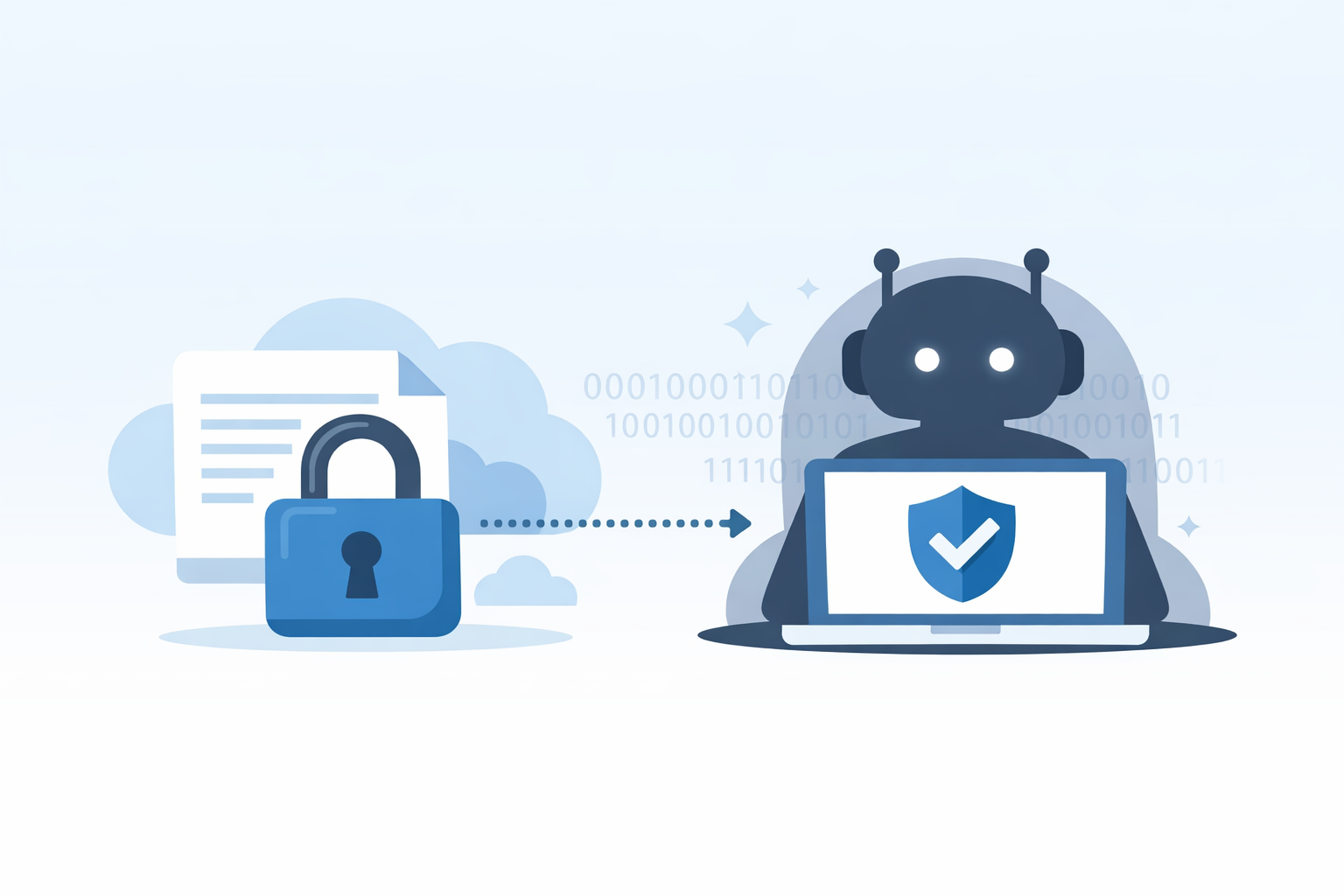
AI itself is not the problem. When used properly, it helps teams work faster and more effectively. The issue starts when sensitive data moves into AI tools you cannot see or control.
What Is Shadow AI Security?
Shadow AI means people use AI tools without approval or oversight from IT.
Most people do not do this on purpose. Instead, they want to get work done quickly and move on to the next task.
The problem is not intent. The problem is visibility.
If you cannot see which AI tools your team uses, who uses them or what data they touch, you lose control of how information moves through your business.
Because of this, shadow AI security matters more than ever in 2026.
Today, AI no longer lives on a separate website. Instead, it sits inside the tools your team already uses every day. At the same time, browser extensions and third-party add-ons can connect to business data in seconds.
As a result, people often share information without stopping to think.
Many employees admit they have shared sensitive work data with AI tools without permission. They are not trying to break rules. They are trying to keep up.
This is why Microsoft treats shadow AI as a data leak issue, not a productivity issue.
When AI tools sit outside your usual controls, data can leave your environment without warning. After that, you lose confidence in where the data goes or how it may be reused.
Over time, this leads to purpose creep. Data shared for one task slowly ends up used for something else.
Importantly, shadow AI does not live in one obvious chatbot. Instead, it shows up across marketing, HR, finance, support and technical teams. Often, it hides in browser tools and built-in features that people turn on without realising the risk.
The Two Most Common Shadow AI Security Problems
1. You do not know which AI tools people use
Shadow AI does not always look like a new app.
For example, it might be:
- An AI feature switched on inside an existing system
- A browser extension
- A tool only available to certain users
Because there is no clear approval step, usage spreads quietly.
As a result, this becomes a visibility problem. If you cannot see where AI is used, you cannot protect the data flowing through it.
2. You can see the tools but you cannot control them
Sometimes, organisations know which AI tools exist. However, that does not always mean they are protected.
Problems appear when:
- People sign in with personal accounts
- Systems do not log activity
- No one sets clear rules about allowed data
At that point, uncertainty takes over. People assume AI use is happening, but no one can clearly explain how or where.
Over time, this weakens trust in how data is handled.
How to Run a Shadow AI Audit
A shadow AI audit should feel supportive, not restrictive. The goal is clarity, not blame.
When done properly, it helps you reduce risk while keeping your team productive.
Step 1: Find AI usage without disruption
First, look at the information you already have.
Start with:
- Sign-in logs that show which tools people access
- Activity on managed devices
- Admin settings inside your software
- A simple question like, “Which AI tools help you save time right now?”
Because people use AI to work better, they respond more openly when you make that clear.
Step 2: Map how work really happens
Next, focus on workflows, not tool names.
Create a simple view that shows:
- The task
- Where AI is used
- What data goes in
- How the output is used
- Who owns the work
This quickly highlights where AI touches important business activity.
Step 3: Classify the data
Now, keep data classification simple:
- Public
- Internal
- Confidential
- Regulated if needed
Simple rules work best. If it feels complicated, people will avoid it.
Step 4: Focus on the biggest risks first
At this stage, you do not need perfection. You need speed.
Look at:
- How sensitive the data is
- Whether accounts are managed or personal
- Whether data can be shared or exported
- Whether activity is logged
By moving quickly, you avoid getting stuck in analysis.
Step 5: Set clear outcomes
Finally, make decisions that are easy to follow:
- Approved for clear use cases with controls
- Restricted for low-risk data only
- Replaced with a safer option
- Blocked when the risk is too high
Clear outcomes remove confusion and reduce risk.
Stop Guessing and Start Governing Shadow AI
Shadow AI security is not about stopping innovation. Instead, it is about staying in control of your data.
A clear shadow AI audit helps you:
- Understand what people really use
- See where AI connects to real work
- Set clear data boundaries
- Reduce risk without disruption
Do this once and you reduce exposure straight away. Repeat it regularly and shadow AI stops catching you out.
If you want help running a practical shadow AI audit, speak to Bespoke IT. We deliver trusted IT support and consultancy that keeps your organisation secure, productive and running without interruption. You will always speak to real people who care about protecting your data and helping your team work safely with AI.
https://bespokeitsolutions.com/blogs/