
5 Microsoft 365 Settings You Should Check Today (Especially if Your Setup Is a Few Years Old)
If your Microsoft 365 system was set up a few years ago, there’s a good chance it’s not as secure as you think.
Microsoft has improved security defaults over time. But those improvements don’t always apply to older setups. That means your business could still be running with outdated settings quietly exposing your data.
The good news is this. You can fix most of these in under an hour.
In this guide, we’ll walk you through five important settings to review, why they matter, and how to approach them safely.
If you’re unsure where to start, our team at Bespoke IT Solutions can help you review and secure your setup properly.
Why this matters
Microsoft follows a “secure by default” approach. New systems get stronger protection automatically, but older ones often keep their original settings.
For example:
- Sharing links created years ago may still give open access
- Email forwarding rules may still send data outside your business
- Apps connected years ago may still have access to files and emails
And in many cases, no one is actively checking these.
This is exactly where most security gaps appear.
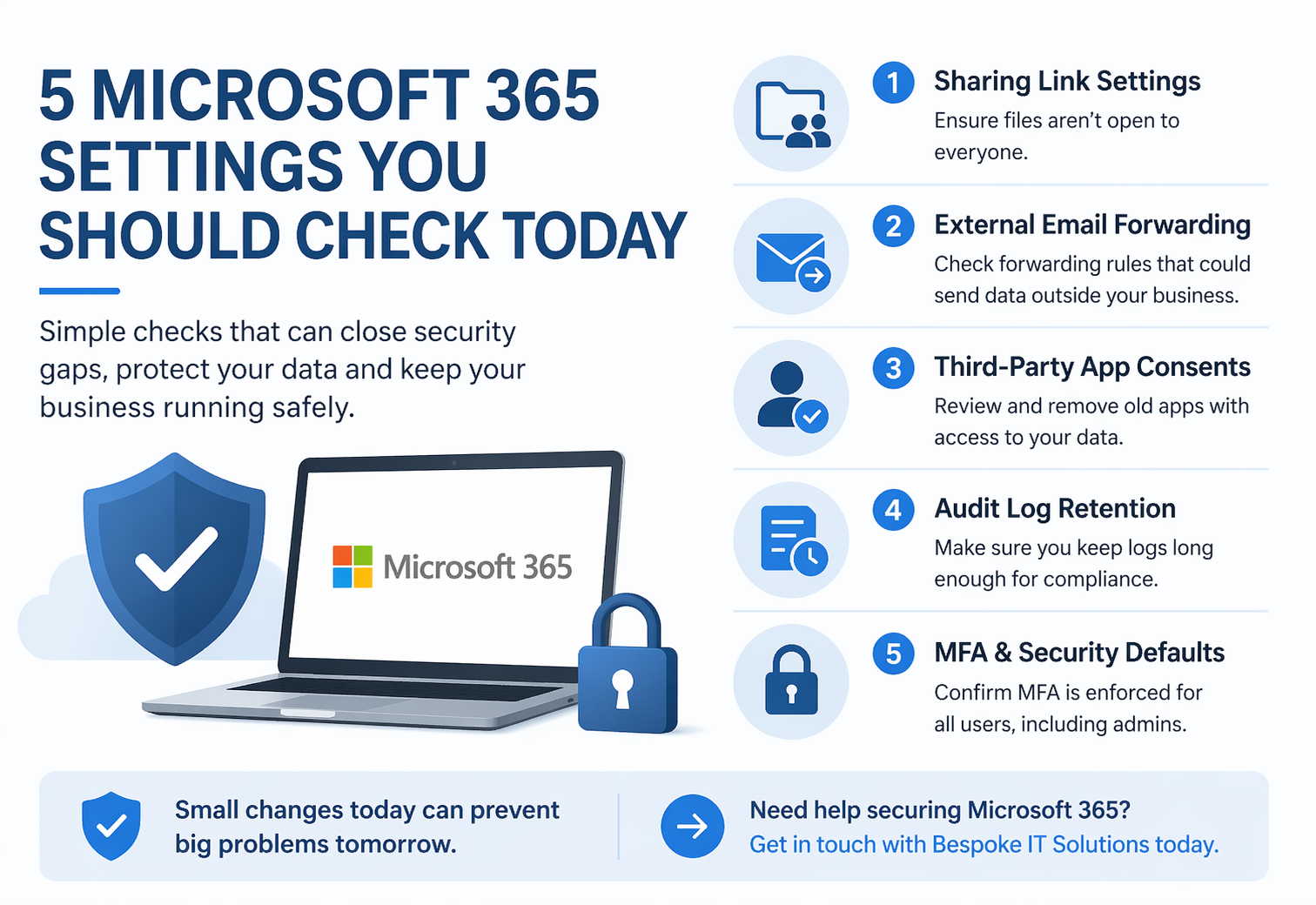
1. SharePoint and OneDrive file sharing links
Your problem:
Files may still be shared with “Anyone with the link” access.
This means anyone with the link can open the file without signing in, and you won’t know who has accessed it.
Microsoft explains that “Anyone” links don’t require authentication and can be forwarded to others without tracking. /learn.microsoft.com/en-us/sharepoint/shareable-links-anyone-specific-people-organization)
Our solution:
Change the default sharing setting to “Specific people” or “Only people in your organisation.”
Also set expiry dates on older links so access doesn’t stay open forever.
The benefit to you:
You stay in control of who sees your data. No more unknown access or links being passed around.
👉 Need help locking this down? Speak to our team
2. External email forwarding rules
Your problem:
Emails may still be automatically forwarded to personal accounts without you realising.
Microsoft now blocks this by default because it increases the risk of sensitive data leaving your organisation. /learn.microsoft.com/en-us/defender-office-365/outbound-spam-policies-external-email-forwarding)
Our solution:
Check your outbound spam policy and review existing mailbox rules across your team.
The benefit to you:
You stop data leaks before they happen and regain visibility over where emails are going.
👉 We regularly find hidden forwarding rules during security reviews. Book a check
3. Old third-party app access
Your problem:
Apps connected years ago may still have access to emails, calendars, and files.
Microsoft updated its default consent controls in July 2025 to prevent users from approving risky apps going forward. /blog.interian.be/2025/07/17/microsoft-entra-consent-changes-coming-july-2025-a-guide-for-admins/)
However, existing permissions stay in place unless you review them.
Our solution:
Audit your connected apps in Microsoft Entra ID and remove anything you no longer recognise or need.
The benefit to you:
You reduce unnecessary access and close down hidden security risks.
4. Audit log retention
Your problem:
You may not have enough history to investigate issues or meet compliance requirements.
Microsoft increased the default audit log retention to 180 days in October 2023, up from 90 days. [4](https://learn.microsoft.com/en-us/purview/audit-log-retention-policies)
But many industries require much longer records.
Our solution:
Check your retention settings and extend them if your licensing allows.
The benefit to you:
You have the evidence you need when something goes wrong, and you stay aligned with compliance requirements.
5. Multi-Factor Authentication (MFA) and Security Defaults
Your problem:
MFA might not be fully enforced across your team, especially in older setups.
Microsoft introduced Security Defaults to enforce MFA automatically for new tenants. [5](https://learn.microsoft.com/en-us/microsoft-365/admin/security-and-compliance/set-up-multi-factor-authentication?view=o365-worldwide)
These defaults require a second sign-in method and significantly improve account security. [5](https://learn.microsoft.com/en-us/microsoft-365/admin/security-and-compliance/set-up-multi-factor-authentication?view=o365-worldwide)
The problem is older systems often have gaps, especially if changes were made over time.
Our solution:
Check whether Security Defaults or Conditional Access is in place and confirm every account is protected.
The benefit to you:
You protect your business from one of the most common attack methods with a simple but powerful step.
A simple order to review these safely
- Start with audit logs and app access (no user impact)
- Check email forwarding next (usually silent)
- Plan communication before changing file sharing
- Review MFA last, as it needs careful setup
You don’t need to change everything at once. Small, steady improvements work best.
How we can help
If you’re unsure where your setup stands, you’re not alone.
Most businesses we speak to haven’t reviewed these settings since their system was first set up.
Your problem:
You don’t know what’s been left open or missed.
Our solution:
We carry out clear, practical Microsoft 365 reviews and fix what needs attention without disrupting your team.
The benefit to you:
You get peace of mind, better protection, and a system that works the way it should.
👉 Book a Microsoft 365 security review with Bespoke IT Solutions
FAQs
Are newer Microsoft 365 systems fully secure?
They are more secure by default, but still need regular review. Settings, app access, and sharing can all change over time.
Is external email forwarding still allowed?
No, it is blocked by default now, but older rules may still exist and need checking. [2](https://learn.microsoft.com/en-us/defender-office-365/outbound-spam-policies-external-email-forwarding)
How long are audit logs stored?
180 days by default, with longer retention available depending on licensing. [4](https://learn.microsoft.com/en-us/purview/audit-log-retention-policies)
What does MFA actually add?
It adds a second sign-in step, which significantly improves security against common attacks. [5](https://learn.microsoft.com/en-us/microsoft-365/admin/security-and-compliance/set-up-multi-factor-authentication?view=o365-worldwide)