

Why passwords are no longer fit for purpose
When was the last time you stopped to think about how you log in to your accounts?
More importantly, how secure are those logins really?
For years, passwords have been the default. However, they’ve become one of the weakest links in security. People forget them, reuse them, and often choose ones that are easy to guess. At the same time, cyber criminals actively target passwords with phishing attacks and data breaches.
Clearly, we need a better way.
Enter passkeys: a safer way to sign in
That’s where passkeys come in — and Windows is finally making them easier to use.
A passkey replaces your password entirely. Instead of typing a combination of letters and numbers, you sign in using something far more secure: your face, fingerprint, or a device‑based PIN.
As a result, logging in becomes both safer and simpler.
How passkeys work behind the scenes
Passkeys rely on advanced cryptography rather than shared secrets.
Each passkey has two parts:
- One part stays securely on your device
- The other stays with the service you’re signing in to
These two parts work together, like a lock and a key. Crucially, the key never leaves your device. Because you can’t accidentally give it away, phishing attacks become far less effective.
In short, hackers have nothing useful to steal.
Why passkeys reduce phishing risk
Traditional passwords can be tricked out of people. Passkeys can’t.
Even if someone sends a convincing fake email or website, your passkey won’t work outside the legitimate service. That alone removes one of the biggest causes of account breaches.
As a result, passkeys offer protection that passwords simply can’t match.
Using passkeys in Windows is getting easier
Until now, using passkeys on Windows often felt awkward. Many people had to rely on third‑party apps, and managing passkeys wasn’t always straightforward.
Microsoft is now fixing that.
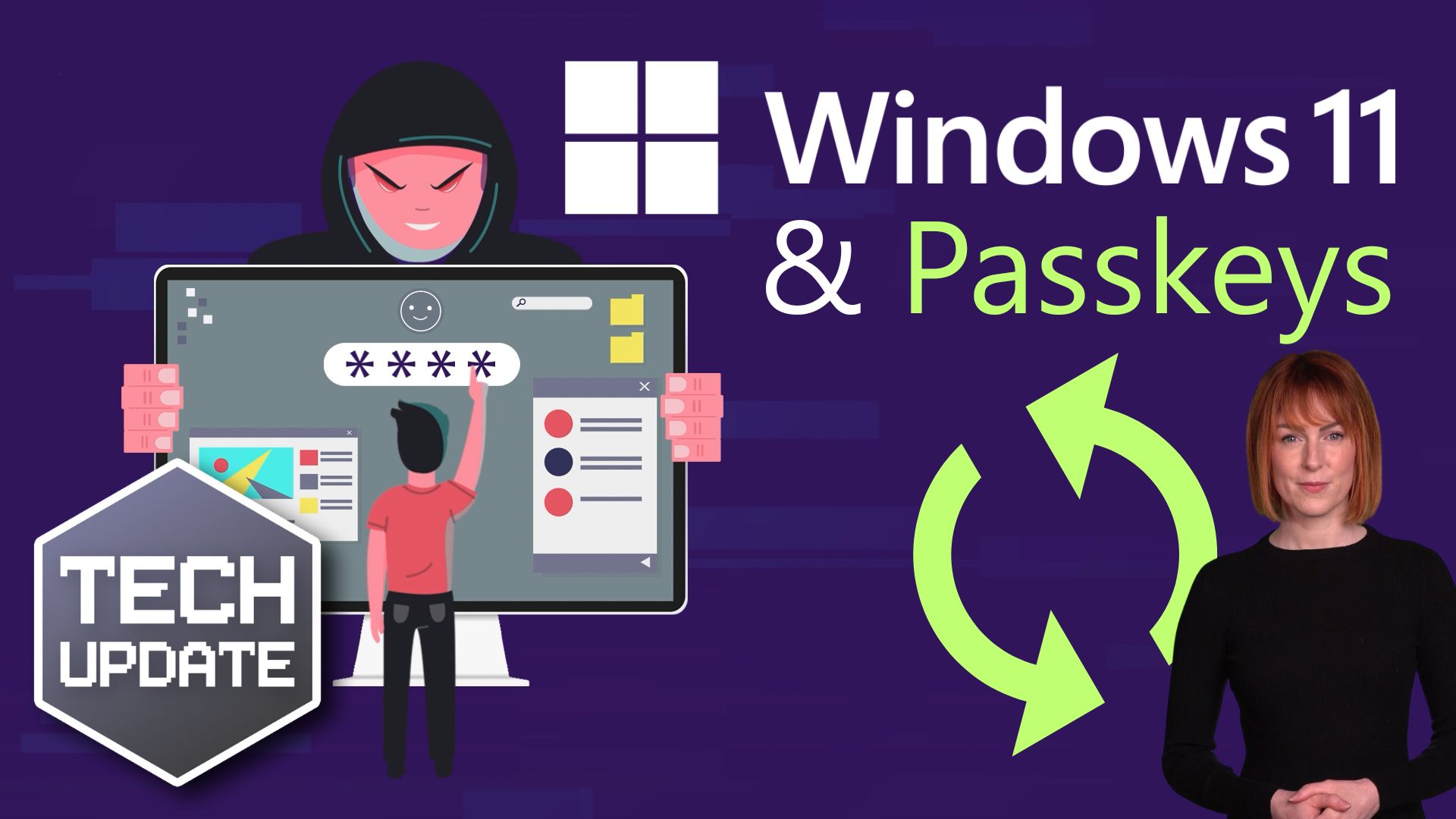
Windows 11 is rolling out new features that make passkeys far easier to use and manage directly within the operating system.
Better integration with password managers
One major improvement comes from a new partnership with 1Password. Thanks to this integration, Windows 11 can now sync passkeys more smoothly with the tools many businesses already use.
At the same time, Microsoft has released a new framework that allows other password managers to integrate more easily with Windows as well.
In simple terms, your passkeys will now work far better with your existing security setup.
A clear move away from passwords
These changes are currently being tested in the latest Windows 11 preview builds, so they’re not available to everyone just yet. However, the direction is clear.
Microsoft is actively moving away from passwords altogether. In fact, the Microsoft Authenticator app is phasing out password management, with passkeys becoming the default sign‑in method for Microsoft accounts.
This shift signals a major change in how we secure accounts going forward.
Why now is the time to prepare
Passkeys offer stronger security with far less friction than passwords. And as Windows removes the barriers to adopting them, now is the ideal time for businesses to start planning the transition.
By preparing early, you can:
- Reduce phishing risk
- Simplify sign‑in for your team
- Strengthen overall account security
Need help moving towards a password‑free future?
If you’d like help understanding passkeys, integrating them into your business, or preparing for a password‑free future, we’re here to help.
Get in touch.