

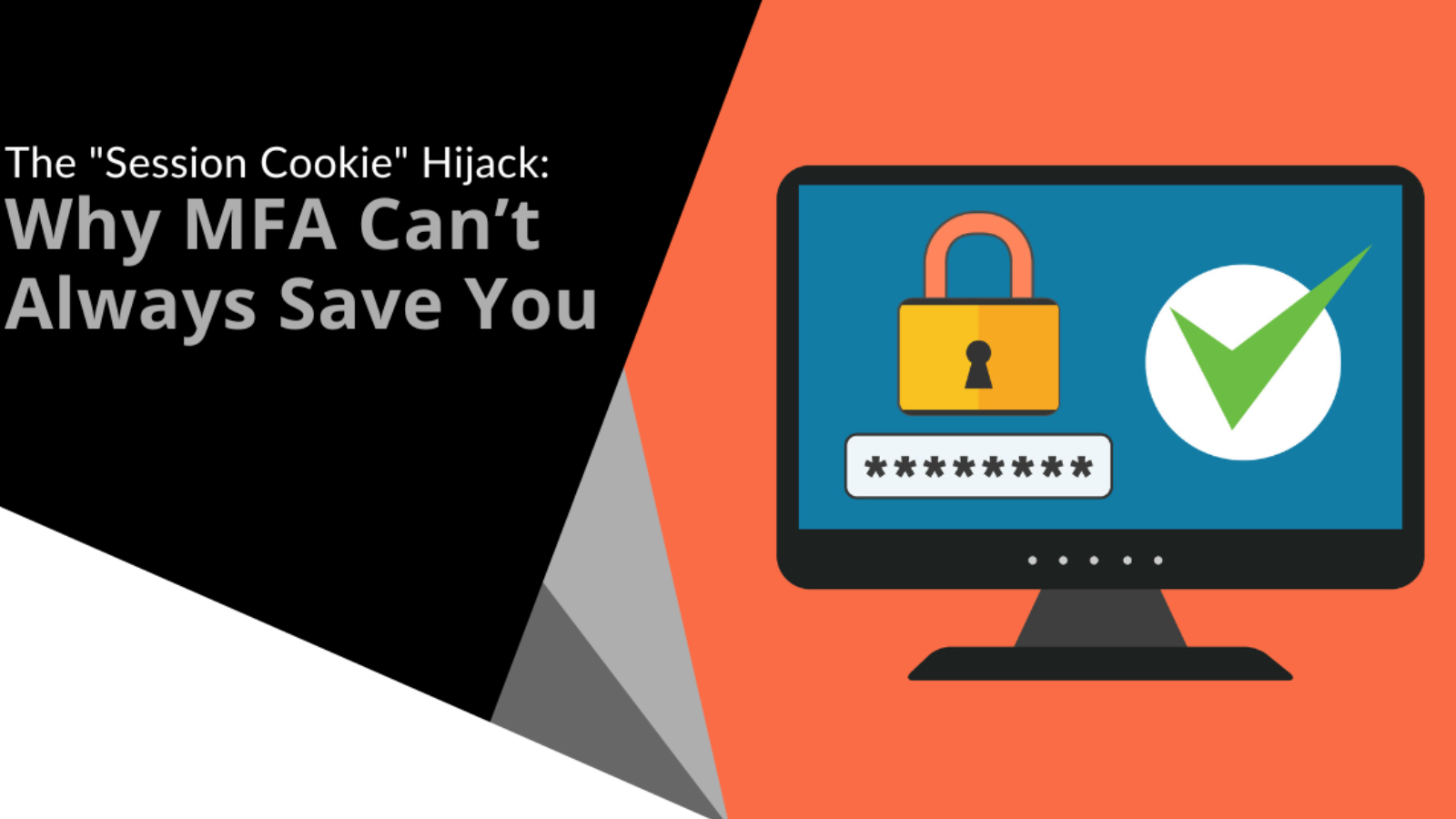
MFA is a strong lock. But it is not the whole door.
Most businesses now use multi-factor authentication. That is a smart move. It stops a huge number of attacks that rely on stolen passwords.
But MFA only protects the moment you sign in.
Once you are logged in, your browser keeps you signed in using a session. Think of it like a wristband at an event. Security checks you at the door. After that, the wristband proves you belong inside.
If someone steals that wristband, they do not need to go back through the door.
That is session cookie hijacking. The attacker is not breaking MFA. They are skipping it by reusing a session that is already approved.
This is not a reason to stop using MFA. It is a reason to stop treating it as the finish line.
When sessions can be stolen, protection needs layers. That means stronger sign-ins, healthier devices, tighter session rules and better visibility when something does not look right.
Why MFA is not job done
MFA is still one of the best security improvements most organisations can make. But it does not end an attack on its own.
That is because attackers do not always try to beat the login screen. They look for ways around it.
Today’s attacks are rarely one single action. They are usually a chain. MFA might block the first step, but it does not automatically protect what happens after someone signs in successfully.
That is where session cookie hijacking comes in.
In these attacks, MFA has not failed. It has already done its job. The attacker is simply reusing the session that MFA approved.
What a session cookie really is
When you sign into a website or cloud app, it needs a way to remember that you have already proved who you are.
That is what a session does.
It is a temporary logged-in state that saves you from entering your password and MFA code on every click. Your browser stores that proof, often as a cookie.
Attackers want that cookie because it is the shortcut.
If they steal it, they can access the same apps and data you can, as if they were sitting at your keyboard. No new login. No MFA prompt. From the system’s point of view, everything looks normal.
That is why session hijacking is so effective.
How session cookie hijacking actually happens
Many people picture account takeover as someone guessing a password or tricking a user into approving an MFA prompt.
Session hijacking works differently.
The goal is to steal proof that you are already logged in and reuse it quietly.
1. Real-time phishing that looks legitimate
Some phishing pages do not just look real. They sit between you and the real service.
You enter your details. You approve MFA. Everything works as expected.
Behind the scenes, the attacker captures the session created after you sign in and reuses it themselves. They never have to log in again.
2. Taking control of the browser session
In more advanced attacks, the focus is the browser itself.
If an attacker can steal the active session token, they steal the login that already happened. From that point on, MFA is no longer part of the process.
They are not trying to sign in instead of you. They are following along after you have already signed in.
3. Stealing sessions from compromised devices
Not every attack involves clever phishing.
If a device is already compromised, session data can be taken directly from it. These sessions act like digital keys. If someone gets hold of them, they can walk straight in.
MFA is a baseline, not a finish line
MFA is still essential. It blocks a huge amount of basic account takeover and makes attackers work harder.
But session hijacking is a reminder that protection cannot stop at the login screen.
The practical response is layered and realistic:
- Make phishing harder to pull off
- Treat device health as part of identity
- Tighten session behaviour for high-risk systems
- Watch for unusual access that does not match normal use
When these work together, MFA stops being a comforting checkbox and becomes what it should be. A strong baseline, backed by protection around the session itself.
If you are not sure whether your current setup protects what happens after login, we can help.
Talk to Bespoke IT today. We will help you protect the whole journey, not just the front door.