

Clean Desk 2.0: Why Home Office Security Still Matters in 2026
In the old office world, a clean desk was simple, lock away paperwork. Shred anything sensitive. Don’t leave passwords on sticky notes.
Fast forward to 2026 and the desk hasn’t disappeared. It’s just moved into your home.
For many teams, home working is now the default. That changes the risk. Physical access to your workspace can quickly become access to your systems, your data, and your business.
Clean Desk 2.0 isn’t about looking tidy It’s about protecting the link between the physical and the digital.
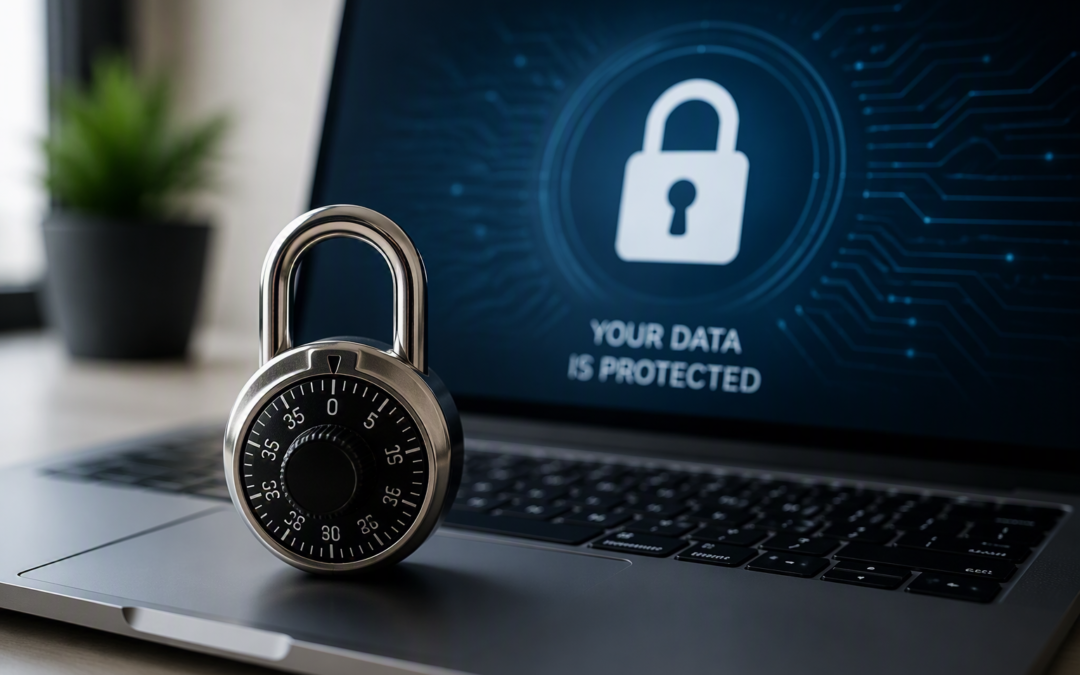
An unlocked screen, a shared laptop, or a device left in the wrong place can expose the same tools your business relies on every day. If someone can sit down at your workstation, they don’t need to be a cyber expert. They just need a few unattended minutes.
Why an Unlocked Screen Can Be a Data Breach
Most businesses put a lot of faith in multi-factor authentication, and rightly so. It’s a strong first line of defence. The problem is what happens after you’re logged in.
When you sign into a cloud app, your browser creates a login session so you don’t have to re-enter your details on every click. That session is effectively a digital key. Anyone who has access to it can act as you. This is where physical access changes everything.
If you leave your desk to make a coffee and your screen stays unlocked, someone else can step straight into your active session. No password guessing. No MFA prompts. Just full access to the same systems you were using moments ago.
Email, cloud files, finance tools, CR
M systems. All open. That’s why Clean Desk 2.0 is really about an auto-lock habit, short screen lock timers. Manually locking your screen every time you step away. Treating an unlocked device like leaving the keys in the door. It’s a small behaviour change that closes a very real gap.

The Hidden Risk of Old Hardware at Home
Most people keep old tech for one reason. It still works. But “still works” doesn’t mean “still safe”.
The same ageing equipment that causes problems in server rooms also sits in home offices. Old routers. Unpatched laptops. Backup devices that haven’t been updated in months, the biggest issue is support.
When a device reaches the end of its supported life, security updates stop. Once that happens, new threats don’t get fixed. There’s no setting you can turn on to solve that.
This matters most for devices that face the internet, like home routers and remote access equipment. They sit on the edge of your network and take the first hit.
A Clean Desk 2.0 approach means treating your home setup like part of your business environment.
Know what devices internet-facing are, check they’re still supported and receiving updates, retire anything that isn’t It’s not overkill. It’s basic hygiene.
When AI Is Running, Your Desk Needs to Be Locked
Workstations aren’t just places where work happens anymore. They’re where automated actions happen.
AI tools can now update records, send messages, move workflows forward, and schedule tasks with very little input once they’re started, that’s powerful. It’s also risky if sessions are left unattended.
An unlocked screen with an automated process running is an open control panel. Someone doesn’t need technical knowledge to interfere. They can click, approve, redirect, or interrupt a process that was never meant for them.
The answer isn’t avoiding AI. It’s putting sensible boundaries around it.
Clear rules about what automated tools can do on their own.
Clear approval steps for anything sensitive. Defined limits where money or customer data is involved. Tight control over which systems those tools can access. Automation works best when it’s controlled, not when it’s left unattended.
Clean Desk Thinking Reduces Cloud Waste Too
Clean Desk 2.0 isn’t just about security. It’s about discipline.
In the cloud, mess looks different. It shows up as systems nobody uses, test environments left running, and storage that grows because no one owns the clean-up.
It’s the digital version of leaving the lights on overnight. Nothing dramatic. Just a higher bill every month. The fix is the same principle as a tidy workspace visibility and ownership. Every system should have a clear owner.
Regular reviews of what’s actually being used Non-essential environments switched off outside working hours. These habits cut costs, reduce exposure, and make things far easier to manage when something goes wrong.
Making Clean Desk 2.0 the Default
Securing your home workspace isn’t about paranoia. It’s about professionalism.
In 2026, the home office is no longer a temporary setup. It’s part of your business perimeter. When the basics are consistent, like locked screens and supported devices, small lapses stop turning into serious problems.
Clean Desk 2.0 is simply a modern baseline for how work really happens now.
If you want help turning this into a clear, practical standard for your team, we can help.
Get in touch for a technology consultation and we’ll show you how to protect your people, your data, and your business without adding friction.