

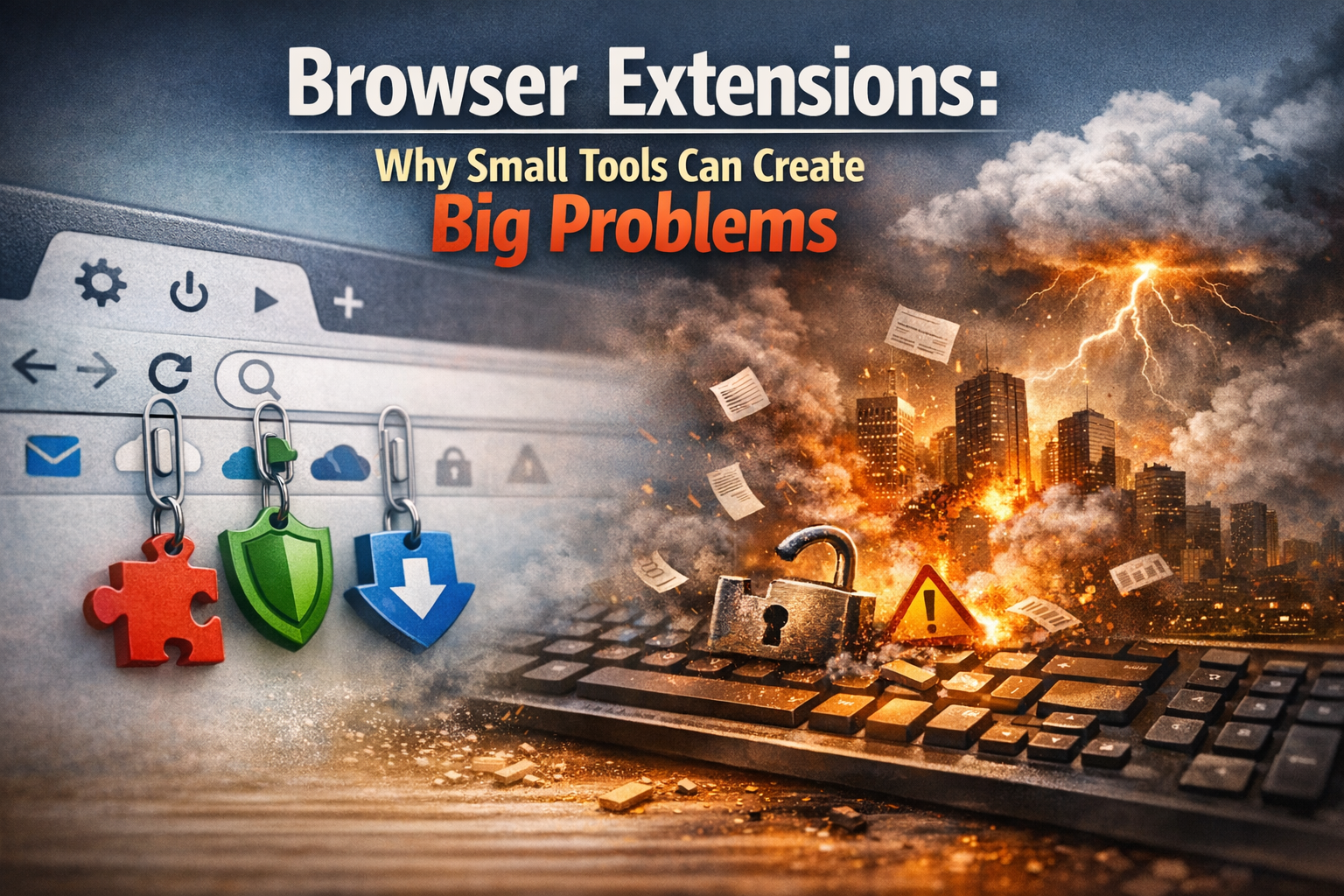
Browser Extensions: Why Small Tools Can Create Big Problems
Your team installs browser extensions every day.
Password helpers. Screen capture tools. Note takers. Little add‑ons that promise to save time and make work easier.
They feel harmless. Quick to install. Easy to forget about.
The problem is that browser extensions live right inside the tools your business relies on. Email. Cloud systems. Customer data. Finance platforms. All of it runs through the browser now.
And many extensions can see far more than people realise.
That is why unchecked browser extensions are a growing security risk for businesses of all sizes.
The good news is you do not need complex rules or long policies to stay safe. A short, consistent check is enough to catch most issues before they become a problem.
Why Browser Extensions Deserve More Attention
Most modern work happens in a browser tab. That is where your people spend their day.
Browser extensions sit inside that space and are given special access so they can work properly. That access can include reading what is on a page, changing content, or interacting with cloud systems in the background.
That makes extensions powerful. And power always needs control.
The biggest issue we see is permissions. Many extensions ask for far more access than they need. Some can read every page you open or see what is typed into forms.
There is also a long‑term risk. Extensions change over time. Updates can add new features, new permissions, or even new owners. Something that felt safe when it was installed can quietly become a problem later.
None of this means extensions are bad. It means they need the same common‑sense checks you would apply to any other supplier that touches your systems.
A Simple Five‑Minute Extension Check That Works
This approach is designed to be practical. It helps your people make better decisions without slowing them down or creating extra admin.
Check who built it
Treat the developer like any other supplier.
Before installing anything, look for:
- A real company behind it, with a proper website and support details
- A consistent name and history, not something that feels thrown together
- A presence in official browser stores rather than downloads from unknown sites
If you would not trust the company with your data, do not trust their extension.
Make sure the purpose is clear
A good extension should explain itself clearly.
You should be able to understand:
- What problem it solves
- What it does inside the browser
- What data it needs to do its job
Be cautious of vague descriptions or features that do not quite add up. If it is not clear why access is needed, that is a warning sign.
Sense‑check the permissions
Permissions matter more than anything else.
Ask one simple question. Does the access match the feature?
If an extension claims to do something small but wants access to everything you do online, that is a risk. Broad permissions should only exist when they are clearly justified.
When in doubt, it is safer to walk away.
Watch what happens over time
Extensions update automatically. That is useful, but it also means things can change without much notice.
Keep an eye out for:
- New permission requests that were not there before
- Sudden changes in behaviour or features
- Anything that feels unexpected or unnecessary
If an update raises questions, pause and review it before carrying on.
Make a simple decision
You do not need a long approval process. You just need clear options.
- Approve when the purpose is clear, the permissions are sensible, and the supplier looks trustworthy
- Avoid when things feel vague or over‑reaching
- Escalate when the tool is genuinely useful but touches sensitive systems
When something is approved, add it to an agreed list so others can use it safely without repeating the same checks.
Turning Quick Installs Into Better Habits
Browser extensions are part of modern work. Blocking them completely is not realistic.
The real risk comes from installs that happen without thought or review.
A simple extension check helps your people slow down just enough to make better choices. It reduces the chance of hidden access, surprise changes, and tools quietly seeing more than they should.
The goal is not to make life harder. It is to protect your business while letting your team work efficiently.
Start by reducing the number of extensions in use. Treat permission changes as a reason to stop and think. Make it easy for people to choose from a small list of approved tools.
When extensions are managed properly, they stop being a hidden risk and become just another safe part of your setup.
If you want help reviewing what is already in place, we can audit the browser extensions across your business and help you put clear, sensible controls in place.
Get in touch to arrange a browser extension review with Bespoke IT.
https://bespokeitsolutions.com/