

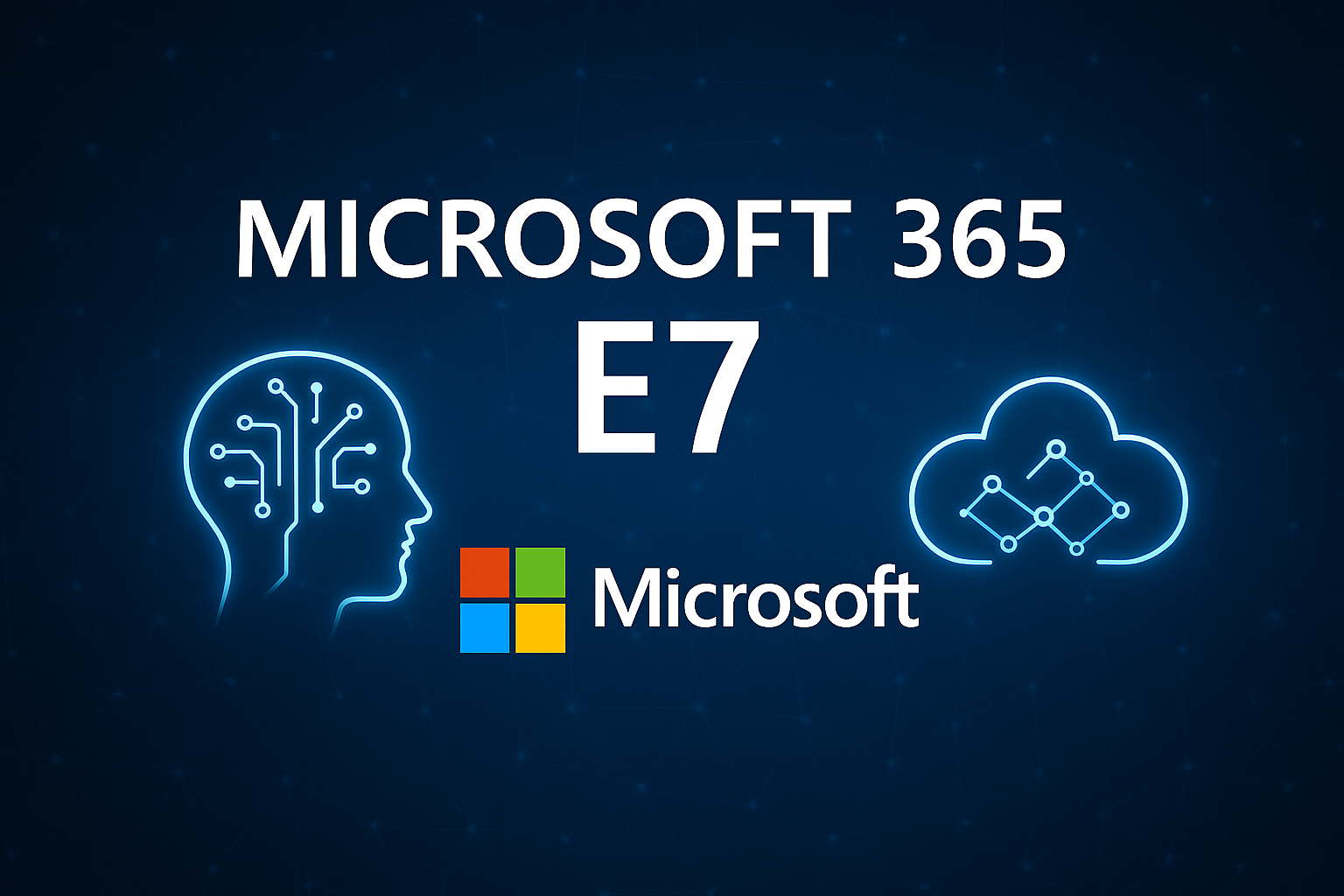
Microsoft 365 E7: Bringing Structure, Security and Control to Enterprise AI Adoption
Artificial intelligence is quickly becoming part of everyday work. Teams now use AI to draft content, analyse data, automate workflows and support customers. As a result, AI already plays an active role across many organisations.
However, one critical piece has been missing: structure.
Many businesses are experimenting with AI tools, yet few have the governance, security and identity controls needed to deploy AI at scale with confidence. Without those foundations, AI adoption can introduce risk rather than value. This is precisely the challenge Microsoft set out to solve when it announced Microsoft 365 E7 on 9 March.
Microsoft 365 E7 is designed to help organisations move beyond isolated AI trials and towards secure, enterprise‑ready adoption.
What is Microsoft 365 E7?
Microsoft 365 E7, also known as the Frontier Suite, is Microsoft’s most advanced workplace subscription. It builds on everything included in Microsoft 365 E5 and adds an additional layer of AI, identity and security capabilities designed for the next generation of work.
Specifically, Microsoft 365 E7 brings together:
- Microsoft 365 Copilot embedded into everyday applications
- Microsoft Agent 365 for AI agent governance
- The full Microsoft Entra identity suite
- Advanced security and compliance across Defender, Intune and Purview
From 1 May, E7 introduces a single licence that supports both human users and AI agents within the same secure framework.
Importantly, this represents a major shift. For the first time, Microsoft is treating AI agents as first‑class identities within the workplace.
Why Microsoft 365 E7 matters now
AI adoption is accelerating faster than most traditional security models were ever designed to handle. Consequently, many organisations now face growing visibility and control challenges.
AI agents already support customer service, reporting, software development and operational workflows. However, without proper oversight, these tools can create real risks. These risks include unmanaged access, unclear accountability and limited insight into how AI systems interact with company data.
Microsoft 365 E7 brings much‑needed structure to this challenge.
With E7, every AI agent has:
- Its own identity
- Clearly defined access permissions
- The same security controls applied to human users
As a result, organisations eliminate the risk of shadow AI operating outside governance frameworks. At the same time, they gain confidence that AI usage remains visible, controlled and fully auditable.
Built for enterprise AI governance
One of the most significant differentiators of Microsoft 365 E7 is how it manages non‑human identities.
Through Microsoft Agent 365 and the Entra ID Suite, organisations can manage AI agents with the same rigour applied to employees, contractors and partners. This includes identity lifecycle management, conditional access policies and ongoing activity monitoring.
For enterprise environments, this level of control is critical.
As AI becomes embedded into daily workflows, organisations must clearly understand:
- Which AI agents exist
- What data those AI agents can access
- Which actions they are permitted to perform
Microsoft 365 E7 delivers that visibility and clarity.
Copilot included as standard
Microsoft 365 Copilot is included as part of the E7 licence, rather than being added as a separate product.
This means users gain AI assistance directly inside applications such as Outlook, Teams, Word, Excel and PowerPoint. Copilot helps employees work faster, reduce manual effort and focus on higher‑value tasks.
Crucially, Copilot operates entirely within Microsoft’s existing security boundary. Therefore, organisational data remains protected by established compliance, data loss prevention and information protection policies.
Advanced security and compliance at scale
Microsoft 365 E7 strengthens security across people, devices, data and AI agents, all within a unified framework.
It includes enhanced capabilities across:
- Microsoft Defender for advanced threat protection
- Microsoft Intune for device and endpoint management
- Microsoft Purview for data governance and compliance
Because these tools work together, organisations reduce complexity and avoid inconsistent security controls. As a result, protection remains consistent across the entire environment.
For regulated industries and larger enterprises, this approach is essential for meeting compliance, audit and risk management requirements.
Simplified licensing and cost efficiency
Another practical benefit of Microsoft 365 E7 is consolidation.
Many organisations currently purchase Copilot, identity add‑ons and advanced security features separately. Over time, this increases costs and makes environments harder to manage.
Microsoft 365 E7 brings these capabilities together under a single licence, priced at $99 per user per month.
While pricing should always be assessed in context, E7 often delivers better value when compared to licensing the same components individually.
What Microsoft 365 E7 means for organisations
Microsoft 365 E7 is not designed for casual experimentation. Instead, it targets organisations that want to operationalise AI securely and at scale.
In practice, E7 helps businesses:
- Move from isolated AI trials to everyday use
- Maintain enterprise‑grade security and governance
- Gain visibility into AI activity and associated risk
- Prepare for future automation and regulation
Most importantly, it allows organisations to adopt AI without losing control of their environment.
Is Microsoft 365 E7 right for your business?
Not every organisation will need Microsoft 365 E7 immediately. However, enterprise organisations already using Microsoft 365 E3 or E5 should be reviewing it now.
Key questions to consider include:
- Are AI tools already being used without central oversight?
- How are non‑human identities currently managed?
- Does your security model support AI‑driven workflows?
- Are you planning to scale automation in the next 12 to 24 months?
If the answer to any of these questions is yes, Microsoft 365 E7 is worth serious consideration.
Next steps: assess your AI readiness
Adopting Microsoft 365 E7 is not simply a licensing decision. Instead, it represents a strategic move that affects security, identity and how work gets done.
A structured readiness assessment can help you:
- Compare Microsoft 365 E5 and E7 within your environment
- Understand licensing and budget impact
- Identify gaps in AI governance
- Build a clear roadmap for secure AI adoption
AI is moving quickly. Ultimately, the organisations that succeed will be those that put the right foundations in place early.
If you would like help assessing whether Microsoft 365 E7 is right for your organisation, now is the right time to start that conversation.