

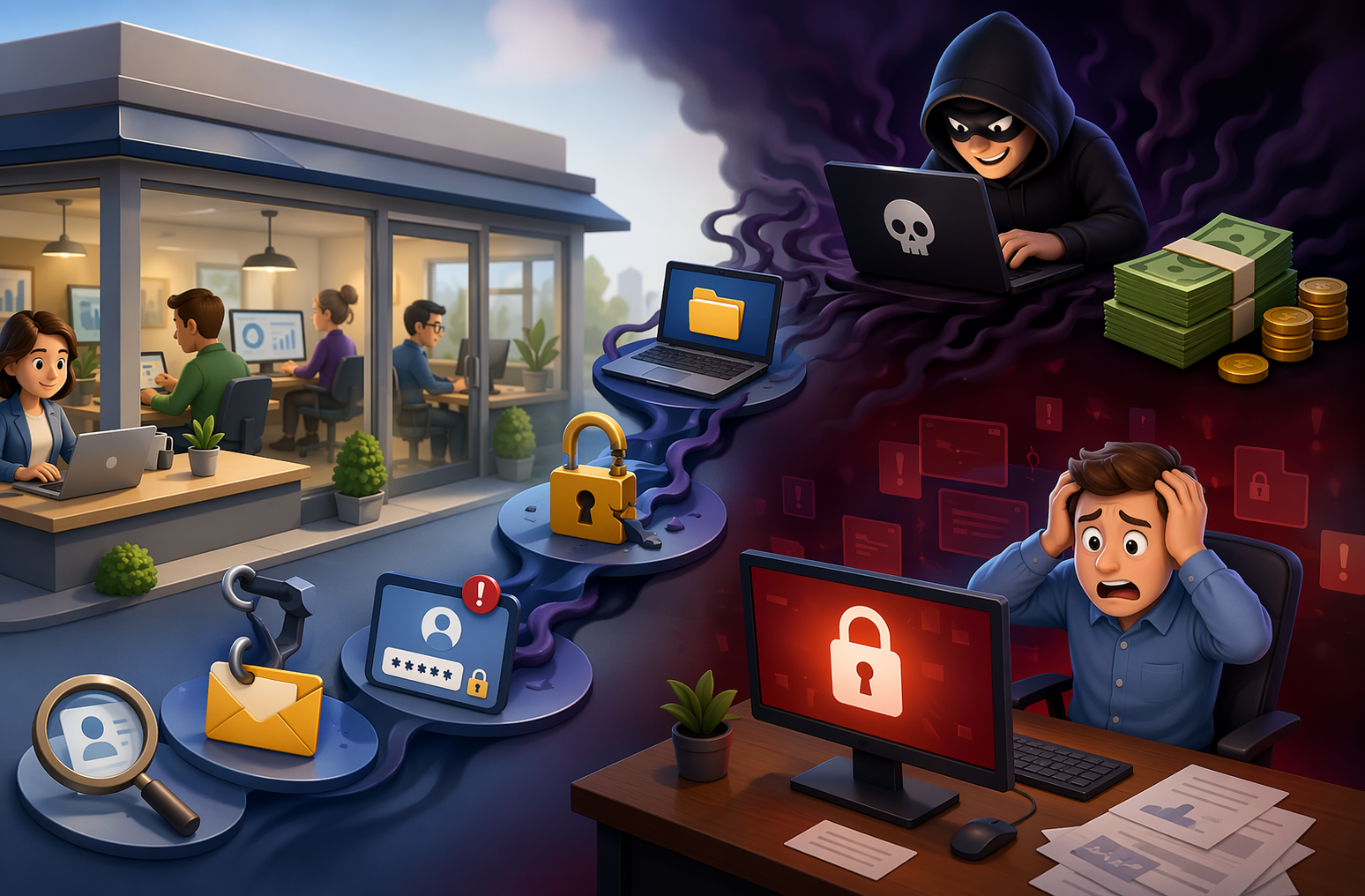
A ransomware attack on a small business does not happen overnight.
Instead, it builds step by step, often starting with simple mistakes that go unnoticed.
In fact, many attacks succeed because of small gaps rather than complex hacking.
So in this guide, we will walk through exactly how a ransomware attack unfolds. Then we will show you how to stop it.
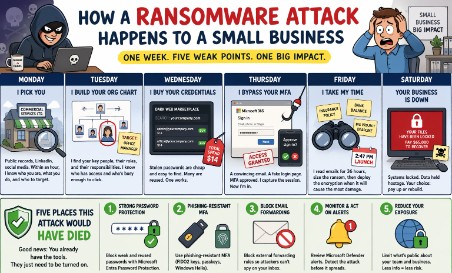

Monday: How a Ransomware Attack on a Small Business Begins
First, I choose targets carefully.
I focus on businesses with 10 to 50 people. They are large enough to pay but often lack strong protection.
Next, I gather information from public sources. This includes LinkedIn, company websites and simple online searches.
Within an hour, I usually know who handles money and who has access.
That gives me a clear entry point.
Tuesday: Building Your Team Map
Then I build a basic picture of your team.
LinkedIn shows me job roles and responsibilities. This helps me find the best person to target.
Usually, it is someone in finance or admin. They have access and they are busy.
Because of that, they are more likely to trust a normal looking email.

Wednesday: Using Stolen Passwords
Next, I check if your passwords are already exposed.
Data breaches happen all the time. Tools like Have I Been Pwned show if emails have been leaked.
If passwords are reused, I can often log in straight away.
At this point, I may already have access without you knowing.
Thursday: Getting Around MFA
Even if you use extra login security, there are still ways in.
So I send a fake email that looks real.
When someone logs in, they are actually using my page, not the real one.
Then I capture the login session as it happens.
As a result, I can access the account without needing to log in again.
To the user, everything looks normal.
Friday: Inside a Ransomware Attack on a Small Business
I do not rush.
Instead, I wait and read emails.
This helps me understand your business. I look at finances, contracts and timing.
Then I decide how much to demand.
Finally, I launch the attack at a time when your team is least likely to respond.
The Real Impact
A ransomware attack on a small business is not just about the ransom.
It affects your day to day work, your customers and your reputation.
- Lost files and systems
- Downtime and missed deadlines
- Financial loss
- Damage to trust
Because of this, recovery is often more costly than prevention.

Five Ways to Stop a Ransomware Attack on a Small Business
The good news is this attack can be stopped early.
1. Use strong, unique passwords
Make sure every account uses a different password.
2. Use better login protection
Modern login methods are much harder to bypass.
3. Block email forwarding
This stops attackers from silently watching inboxes.
4. Check your alerts
Your systems already warn you. However, someone needs to see them.
5. Reduce what you share online
Limit how much detail staff share about roles.
Three Questions to Ask Your IT Support
- Are our key accounts fully protected?
- Can emails be forwarded outside the business?
- Who is checking our security alerts?
What This Means for Your Business
Your problem
A ransomware attack on a small business does not start with technology. It starts with gaps.
Our solution
We help you close those gaps. At Bespoke IT Solutions, we put the right protection in place and keep everything monitored and secure.
The benefit to you
You stay protected, your team keeps working, and your business runs without disruption.
Learn more about our cyber security services or IT support.
FAQs
Do small businesses get targeted?
Yes. A ransomware attack on a small business is common because attackers know they are easier to access.
Can this be prevented?
Yes. Most attacks rely on simple gaps that can be fixed.
What should we do first?
Start by reviewing passwords, login security and alert monitoring.