
Home 9 Latest News 9 Outlook will flag your most important emails

Outlook will flag your most important emails

How much time do you waste sorting through emails every day, trying to figure out what really needs your attention?

If you’re like most business owners, the answer is probably “too much”.

Between customer queries, supplier updates, internal messages, and the occasional bit of junk, your inbox can feel overwhelming.

And if you or your team miss something important because it got buried, that can cause delays, confusion, or worse.

Well guess what?

Microsoft is adding a clever new tool to help with this.

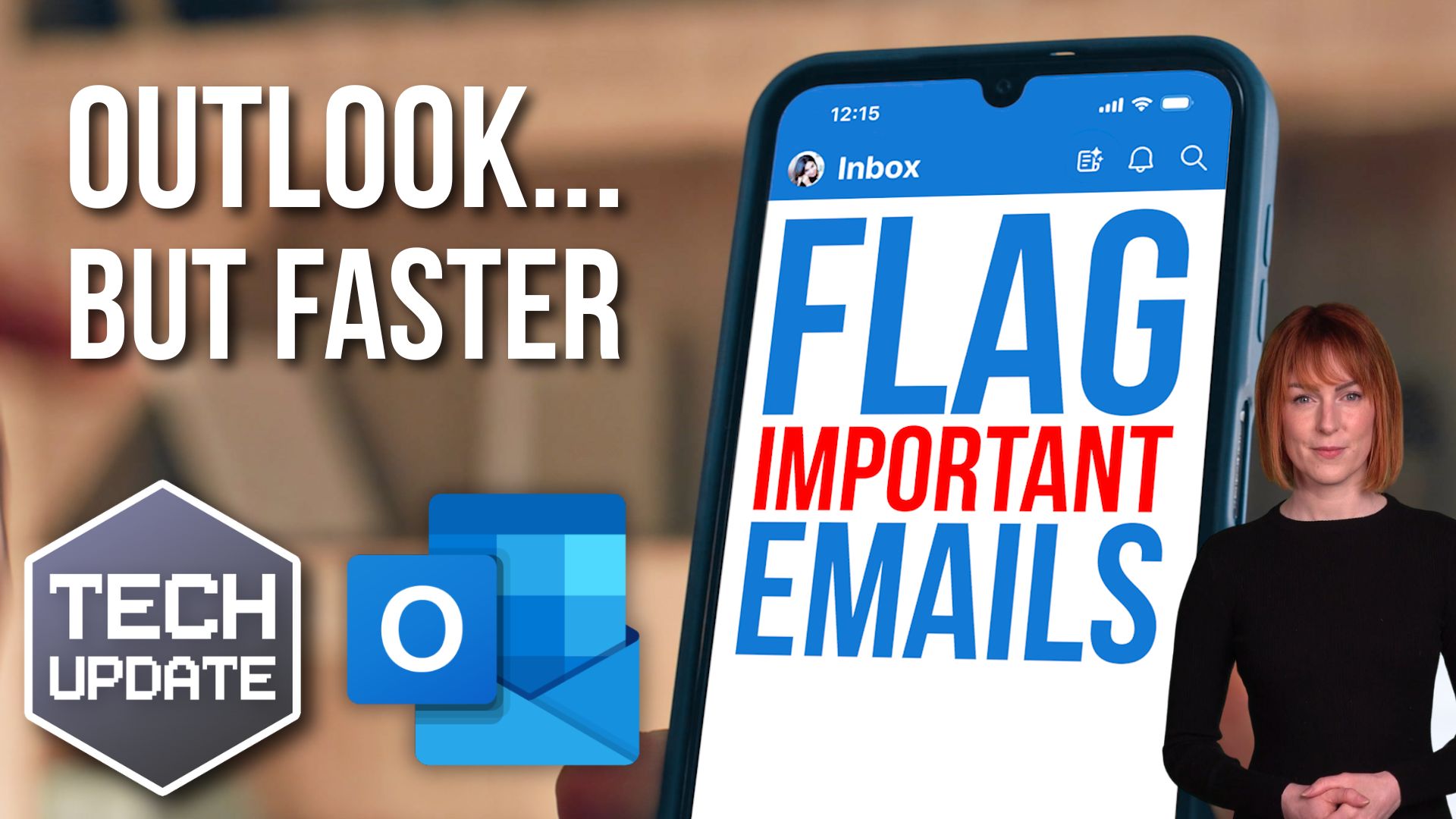
Outlook for iOS and Android will soon use Copilot, Microsoft’s AI assistant, to flag your most important emails. It’s called Priority view, and will sort your inbox into two simple categories: High Priority and Needs Replies.

That means when you open Outlook on your phone, the emails that matter most will stand out straight away.

We all know how easy it is for important messages to slip through the cracks, especially when you’re busy or juggling multiple roles. With Priority view, you’ll spend less time digging through your inbox. And that leaves you more time for other, more important things.

For employees, it can take away some of the stress of keeping up with emails. No more worrying that they’ve missed something vital buried under a pile of newsletters or group updates.

It’s worth noting that this feature will be rolling out gradually. It could take until late 2025 before everyone sees it. Also, it’s only available to businesses using Microsoft 365 with a Copilot license, as Copilot is a paid add-on.

But if you’re already considering AI tools to help your business work smarter, this is one to watch.

Curious about how Copilot could help your business? Whether it’s with Outlook, Teams, or other tools, or you want to chat about making your email setup more efficient, get in touch. Helping you stay on top of your tech is what we’re here for.   
Recent Posts

Smoother, smarter dictation in Windows 11

Smoother, smarter dictation in Windows 11

When was the last time you found yourself typing something and thought, “There must be an easier way to do this”? If you or your team ever use voice dictation to capture notes, write emails, or even draft reports, Windows 11 has some good news. A new feature called...

FBI issues new ransomware warning

FBI issues new ransomware warning

When was the last time you stopped to think, “What would actually happen to my business if all our files were suddenly locked away?” That’s exactly the nightmare scenario the FBI is warning about right now. They’ve issued a new security alert about a nasty ransomware...

New: Windows 11 AI Agent helps with Settings

New: Windows 11 AI Agent helps with Settings

  Have you ever gone hunting through your computer’s Settings app, clicking through menu after menu, just to make one small change? It’s frustrating, isn’t it? You know the option is in there somewhere… but where? Microsoft is working on making that...

More good news for accessibility in Windows 11

More good news for accessibility in Windows 11

Have you ever opened a document or presentation and realised half the information is locked away in an image or graphic you can’t quite make sense of? Maybe it’s a complicated chart, or a photo with crucial details, but no one thought to add a description. Microsoft...

Better battery life for Windows 11 laptops

Better battery life for Windows 11 laptops

When was the last time you finished a busy workday and still had plenty of battery left on your laptop? Feels like wishful thinking, right? Microsoft knows this, because it’s testing out a new feature for Windows 11 that could give your laptop a noticeably better...